
Single Column
Clean asymmetric layout — summary and experience up front, skills and education on the right.
atssingleclassic
Start with this templateProductivity Tool
Browse ATS-friendly resume templates, pick a layout, then continue in the live resume builder.
Files are processed temporarily and deleted automatically.
Resume Templates
Start with a clean, ATS-friendly layout. Choose a template below, continue in the live editor, customize sections, and download a PDF that matches the preview. Free, private, and stored only in your browser.
Start with how your story should read — recent roles first, skills first, or a hybrid — then browse matching layouts.
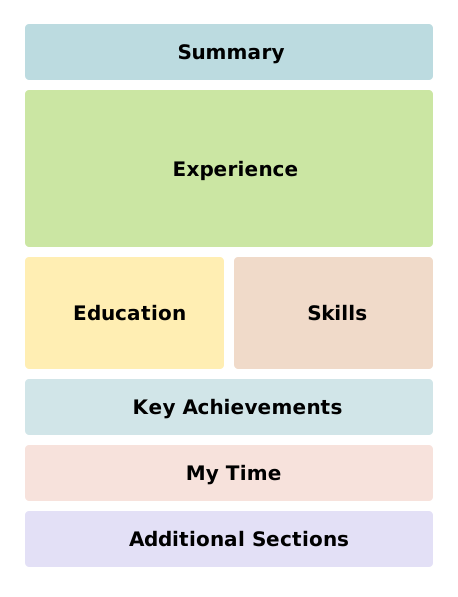
The standard for most applications. Your newest roles come first so recruiters see recent impact right away.
Browse templates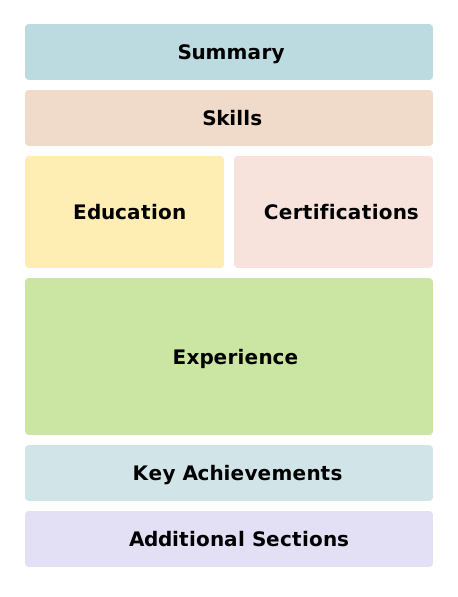
Skills and strengths lead. Useful for career changes, entry-level pivots, or histories that do not read cleanly role by role.
Browse templates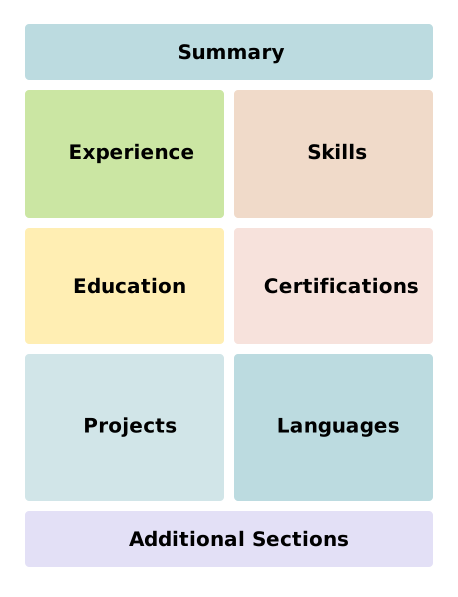
Balance skills and job history. Ideal when you need both capability and a clear recent timeline in one resume.
Browse templatesClean asymmetric layout — summary and experience up front, skills and education on the right.
Sparse typography and generous whitespace for a modern quiet look.
Tight one-page spacing that packs skills and history without visual clutter.
Traditional academic single column — centered headings, horizontal rules, formal hierarchy.
Soft two-column layout with a circular photo and calm blue accents.
Colored left rail for highlights and skills, experience-led main column.
Experience-led main column with a solid dark right rail for skills and strengths.
Extremely plain single column optimized for parser-friendly structure.
Full-width header, experience-led left column, certifications and skills on the right.
Narrow solid color rail for contact and skills beside the main story.
Second modern take — soft accent panel with a hybrid skills-and-history balance.
Green three-column story with achievements, courses, and a percentage breakdown chart.
Accent rail and photo-friendly header for design and marketing roles.
Experience-led page with a dense, scannable skills grid.
Metric-forward layout that opens on impact and key skills.
Sparse, confident single column for senior leadership roles.
Prefer to jump straight in? Open the old resume builder with the Classic template by default.
ATS note: single-column templates marked ATS use plain structure that parsers generally handle well. We do not claim certification scores.
Browse templates and filter by layout style.
Start with the template you like.
Edit on the page and download a matching PDF.
No fake scores. Layouts use clean semantic structure that works well with common applicant tracking systems, especially single-column designs tagged ATS.
Yes. Starting another template applies the new layout to your saved draft without wiping your sections.